

Mobile App for Field Technicians
Why is a mobile app an essential tool for your service team?
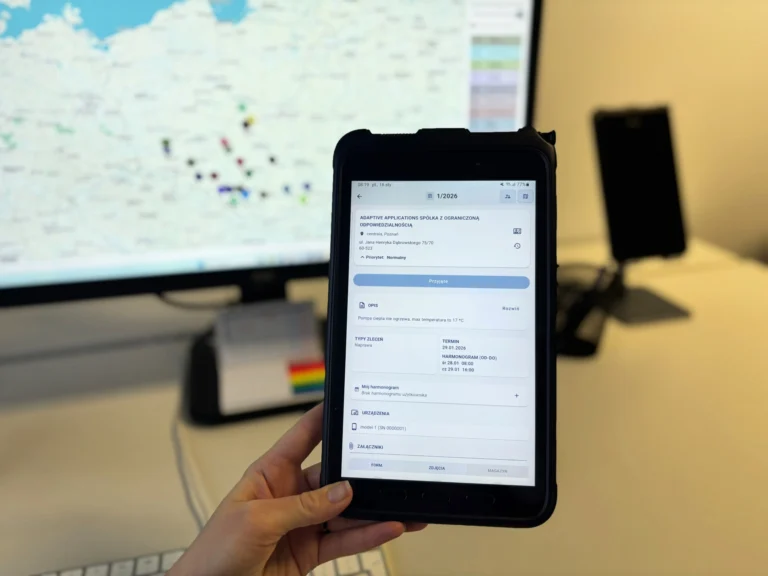
The Adaptive Service mobile app gives field technicians access to service orders, the schedule, documentation and the tools they need on site. The dispatcher sees job progress in real time, receives up-to-date information from every visit and manages the team more efficiently.
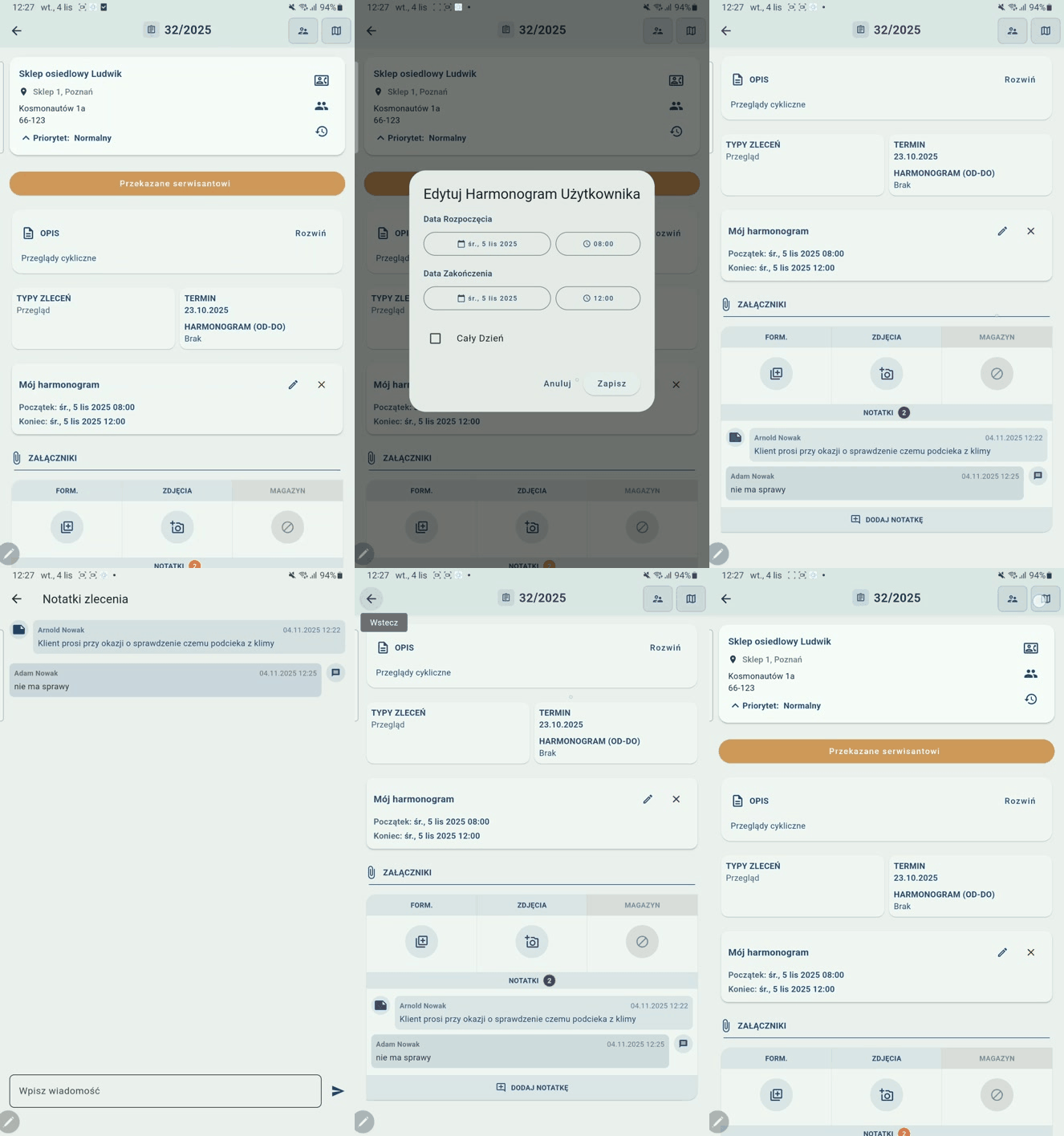
Service orders always at hand
Technicians see scheduled jobs, service orders waiting in the queue and completed work. Each item contains all the information needed on the job.
Paperless documentation
Notes, photos, attachments and service reports are linked to the right service order. Field data stays in the system – not in messages or paper folders.
Direct line to the dispatcher
A chat built into every service order keeps the conversation about the job in one place. Technicians and dispatchers exchange updates, photos, PDF files and the technical documentation needed to complete service orders correctly.
Works without coverage too
The app lets technicians save notes, photos and status changes offline. They can also complete service reports and capture electronic signatures. Once the connection is restored, data syncs in the exact order the actions were performed.
Get a demo and choose the right solution for your company
We’re here to help! Get in touch, and our specialists will answer all your questions and give you complete, reliable information.
One app for end-to-end service order management
The app structures the work from the moment a job is accepted and the technician travels to site, through logging the work performed, to handing the documentation over to the back office. It connects field data with the dispatcher’s system, giving both sides an up-to-date view of every service order. Start–stop time tracking logs working hours, and materials tracking assigns usage to the right job. Practical support for your mobile service team at every stage. Key features:
- Current jobs and schedule
- Asset and installation history
- Photos, notes and attachments
- Service reports signed on screen
- Chat linked to each service order
- Working time and material usage
Frequently asked questions about the mobile app for field technicians
Yes. Technicians can browse the data they need, add notes and photos to a service order, change its status, create service reports, capture signatures and log their work – all without a network connection. Once reconnected, the data syncs in the original order.
Yes, the app is available for Android and iOS devices and runs on both phones and tablets. Depending on your configuration, access can be further secured with multi-factor authentication or biometric login.
Communication happens within each service order. There is also a notifications feature for messages not tied to a specific service order – these can be sent to all technicians or to a selected group. The dispatcher and the technician see the same information and can exchange messages, photos, instructions and files. Notifications make sure new information is noticed quickly.
Yes. The technician completes the relevant service report, collects the technician’s and the customer’s signatures and attaches the document to the service order. Photos, notes, working time and materials used complete the record. Depending on your needs, the finished PDF report can go to the back office and, if required, directly to the customer.
We’re here to help!
